MFPC - Modular First Person Controller
(Once the demo started, click on the game window for testing: the mouse icon will disappear)
MFPC – Modular First Person Controller
MFPC is a clean, modular, production-ready first person controller for developers who want full control over their projects — not a rigid framework.
Designed around Cinemachine and modern Unity workflows, MFPC provides responsive movement, polished camera presentation, optional gameplay modules, and clean extension points while remaining independent from animation systems, UI, networking, or project-specific architecture.
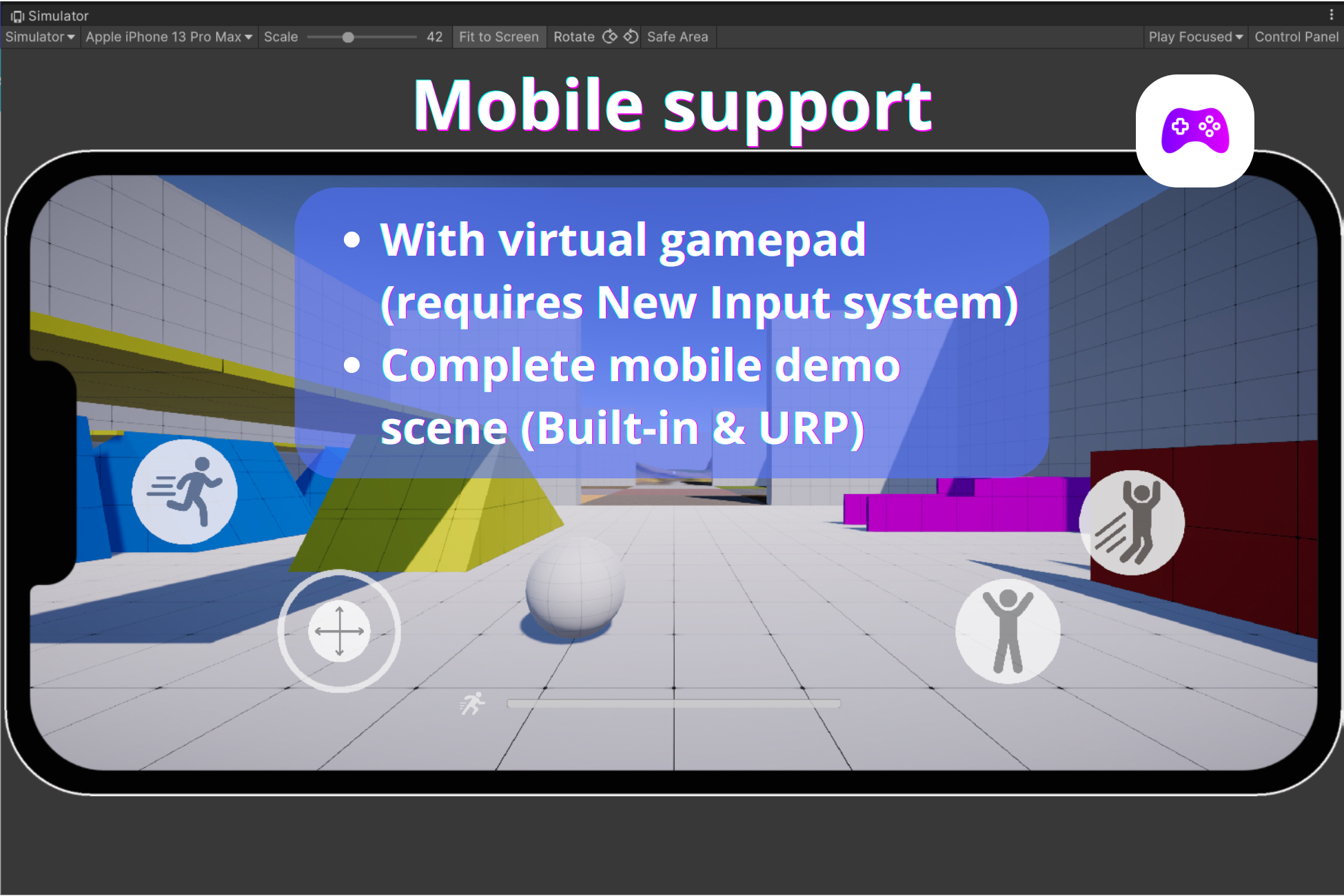
MFPC supports both desktop, gamepad and mobile workflows. A complete mobile demo scene using Unity's New Input System and On-Screen Controls is included for touch-based projects.
Whether you're building an FPS, immersive sim, horror game, walking simulator, or narrative experience, MFPC gives you a solid first-person foundation that integrates cleanly into existing projects instead of forcing you to adapt to it.
Controller-first, not demo-first.
Discord server link: FaberBrizio Assets
Unity Asset Store link: MFPC -Modular First Person Controller
Documentation: MFPC - Documentation
Roadmap: Notion roadmap link
Youtube tutorials:
Demo Inputs (customizable in Unity editor):
- PC:
- movement: wasd or arrows
- camera rotation: mouse
- aim: mouse right (hold)
- sprint: shift (for this demo it's toggle mode - hold mode can be selected in Unity editor)
- crouch: ctrl (for this demo it's toggle mode - hold mode can be selected in Unity editor)
- jump: space
- Gamepad:
- movement: left stick
- camera rotation: right stick
- aim: LT
- sprint: left stick press
- crouch: B (Xbox controller), A (Nintendo controller)
- jump: A (Xbox controller), B (Nintendo controller)
- movement: left stick
Click on key "1" to camera sensitivity slider.
Camera System (Cinemachine-based)
MFPC is built around Cinemachine, not custom camera math.
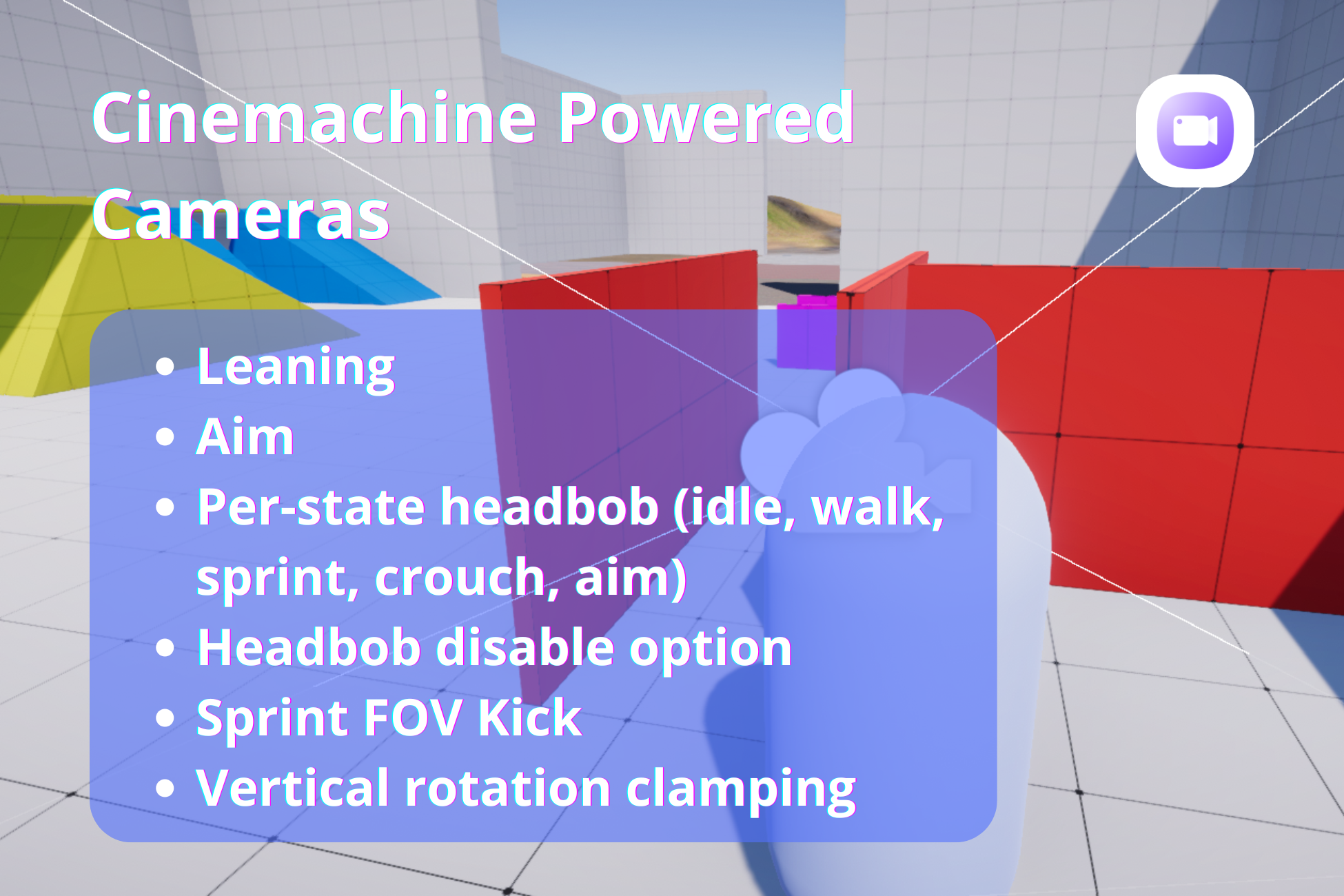
- Virtual Camera setup for: idle, walk, sprint, crouch, aim
- FOV kick on sprint (via Virtual Camera swap)
- Headbob via Cinemachine Noise (no custom scripts)
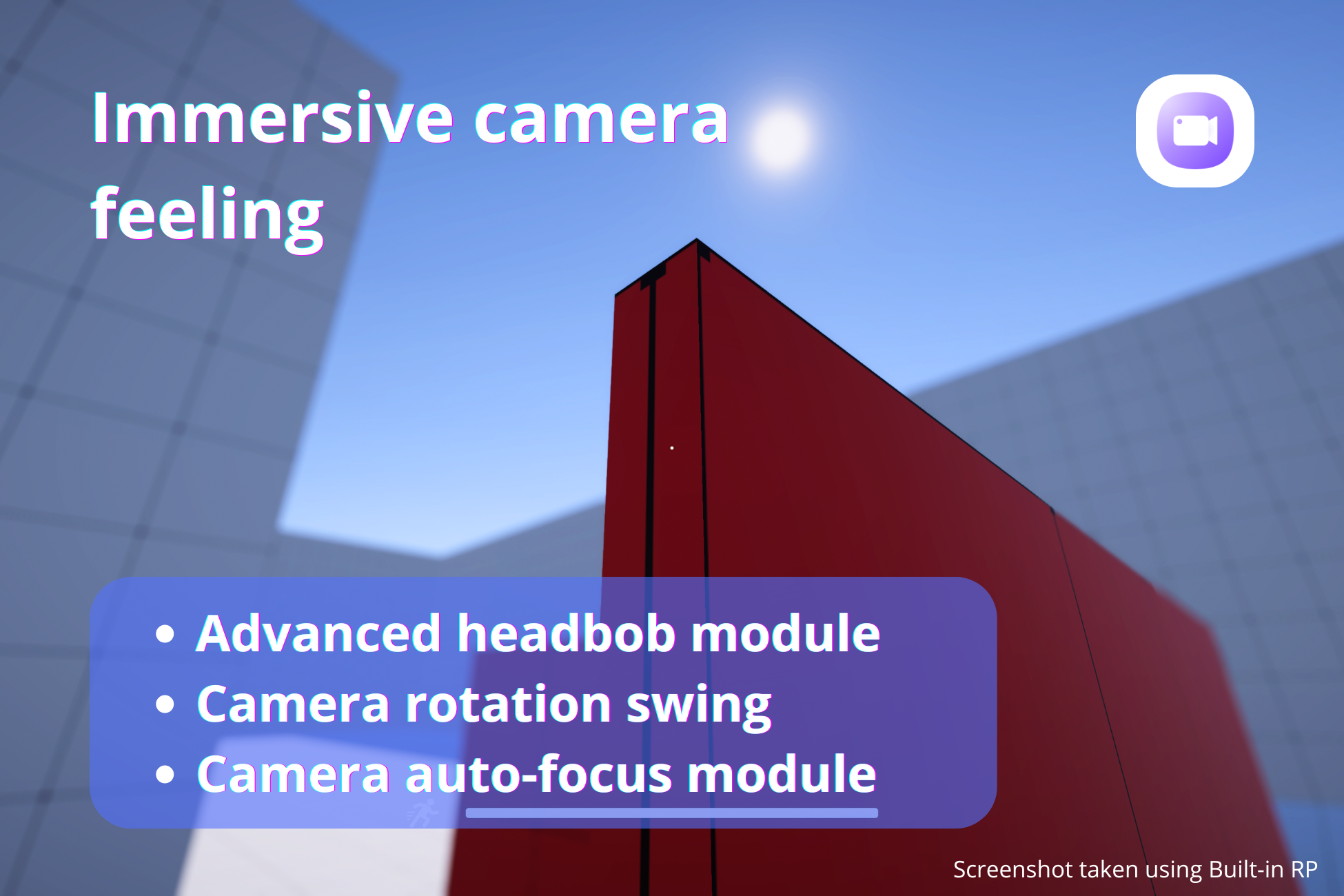
- Optional advanced Headbob module
- Automatic Depth-of-Field focus
- Camera swing while turning
- Custom camera blends for smooth transitions
- Lean-based camera roll (Dutch)
- Camera tilt feedback on slopes
- Separate aim camera variants
- Clean integration with camera stacks
- Simplified pause system
Optional module:
Disable headbob/noise globally (no need to edit cameras manually)
All camera behavior is visual and editable — no black-box scripts.
Movement & Player State
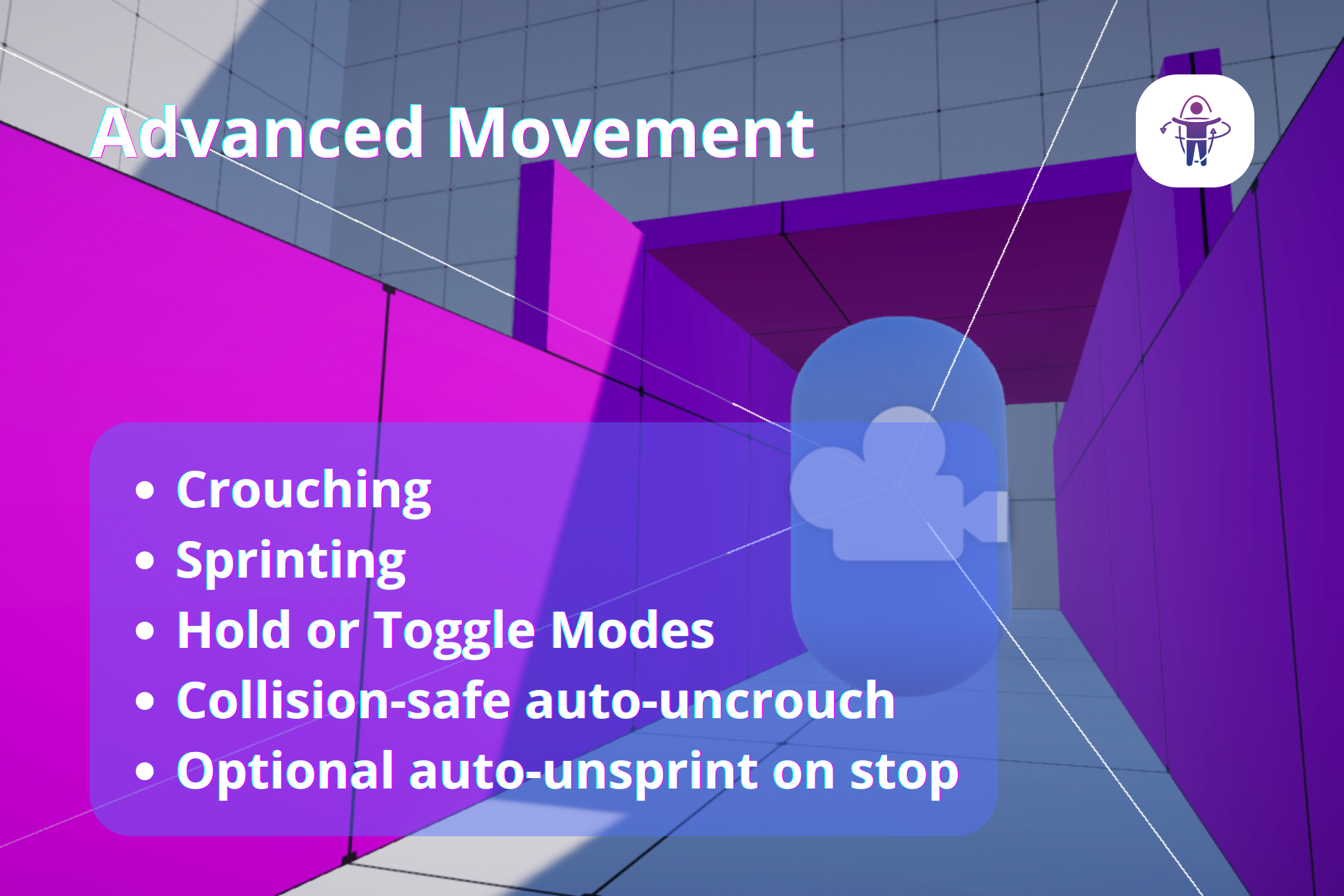
- Walk, Sprint, Crouch, Jump, Aim, Lean
- Hold or Toggle modes (configurable)
- Forward-only sprint restriction
- Collision-safe auto-uncrouch
- Optional auto-unsprint when stopping movement (toggle mode)
- Optional advanced slope handling
- Optional steep slope sliding
- Physics interactions with environment
- Simplified pause system
Movement is predictable, tweakable, and free from hidden behavior.
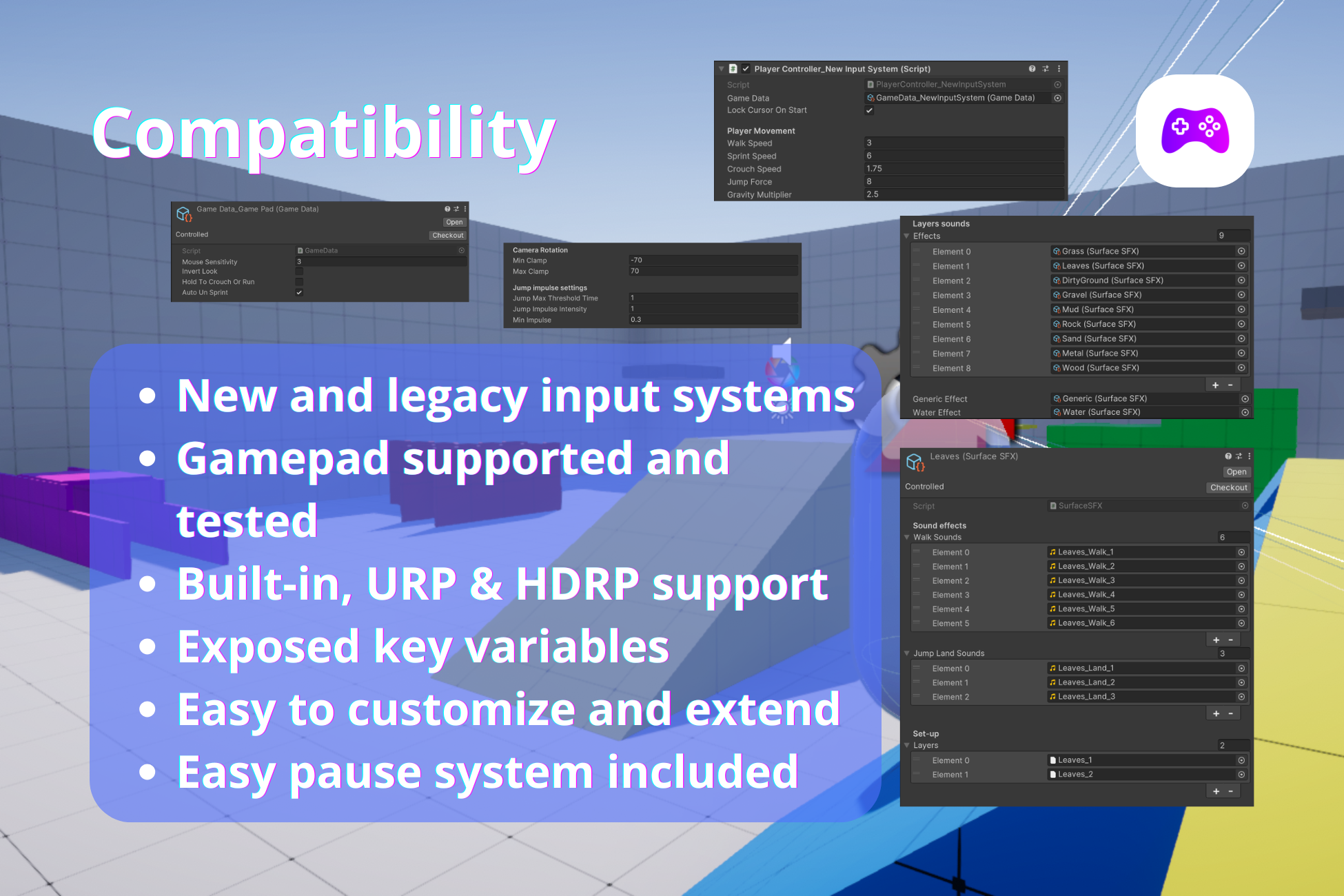
Input Systems
- Legacy Input System controller
- New Input System controller
- Mouse + keyboard support
- Gamepad support (tested with multiple controllers)
- Mobile touch controls (New Input System only)
- Sensitivity parity between input systems
- Frame-rate independent mouse smoothing (New Input System)
- No need to rewrite gameplay logic when changing input workflows
No need to rewrite gameplay logic when changing input workflows. The included mobile demo scene uses Unity's New Input System and On-Screen Controls. Mobile support is therefore available when using the New Input System controller.
Animation & Events (Optional Modules)
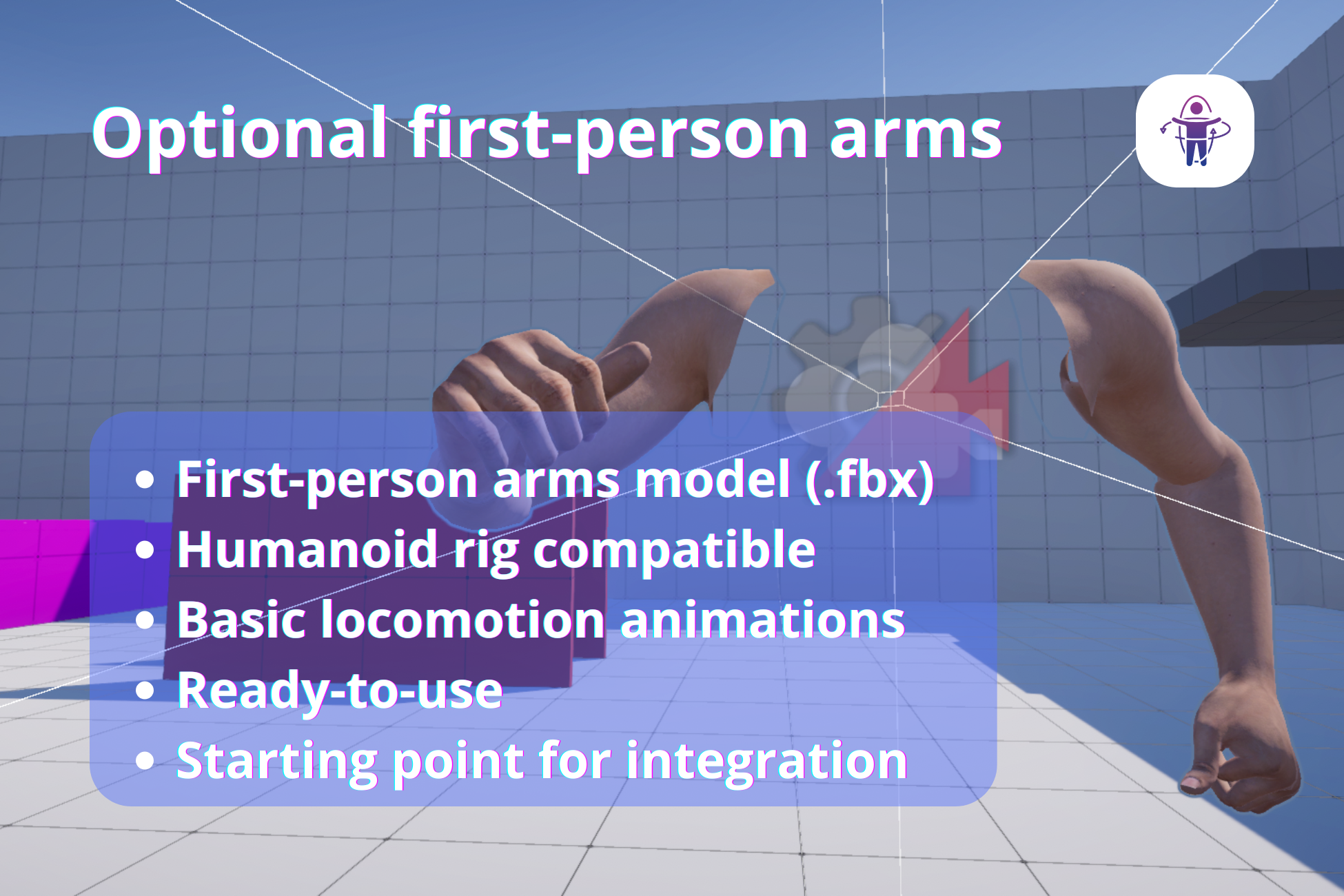
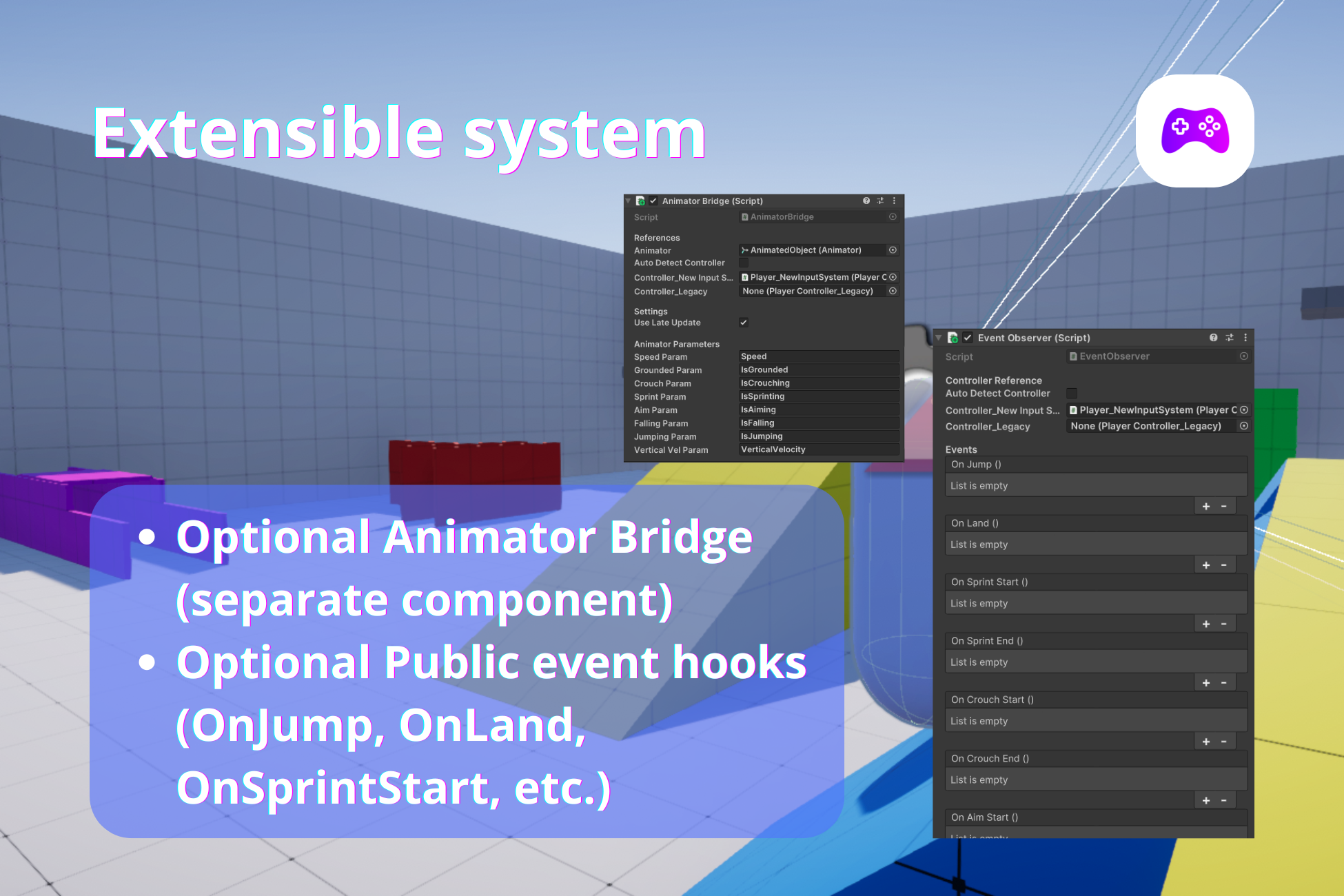
MFPC does not require an Animator — but integrates seamlessly with one.
AnimatorBridge:
- Syncs Animator parameters from controller state and velocity
- Supports movement speed, grounded, crouch, sprint, aim
- Includes jump/fall detection and vertical velocity
- Works with both input system controllers
- Optional auto-detection and LateUpdate syncing
Perfect for driving blend trees and layered animation setups without modifying the controller.
EventObserver:
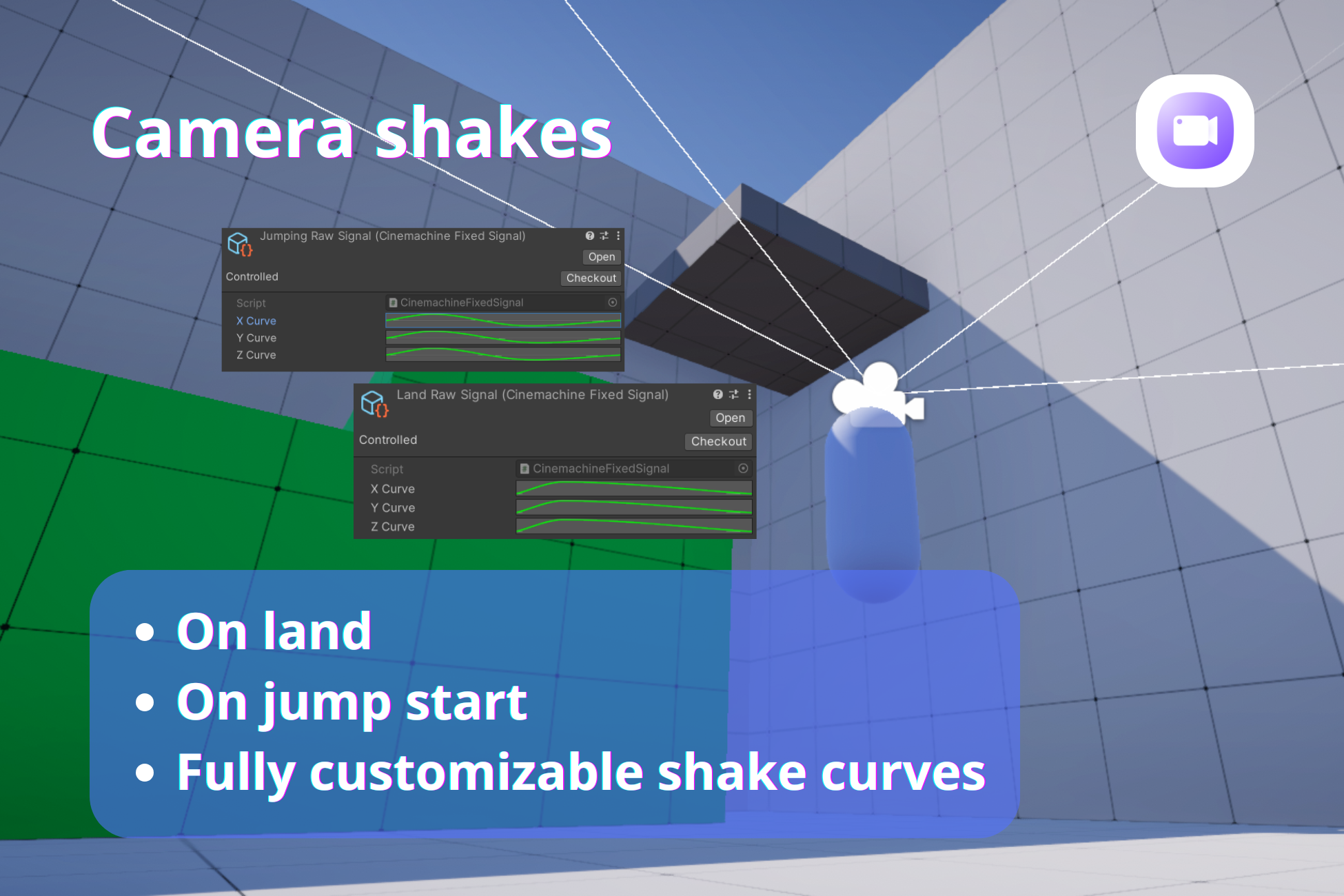
- UnityEvent-based state transitions — Jump (leave ground), Land, Sprint / Crouch / Aim / Move / Lean
- Inspector-friendly — no custom scripting required
- Ideal for audio, VFX, UI, or gameplay hooks
These modules keep MFPC lightweight while enabling full production integration.
Optional Stamina System
- Sprint drain and regeneration
- Jump stamina cost
- Exhaustion and recovery behavior
- Fully optional — no UI or HUD required
Includes a demo stamina UI example, which can be completely removed without affecting MFPC.
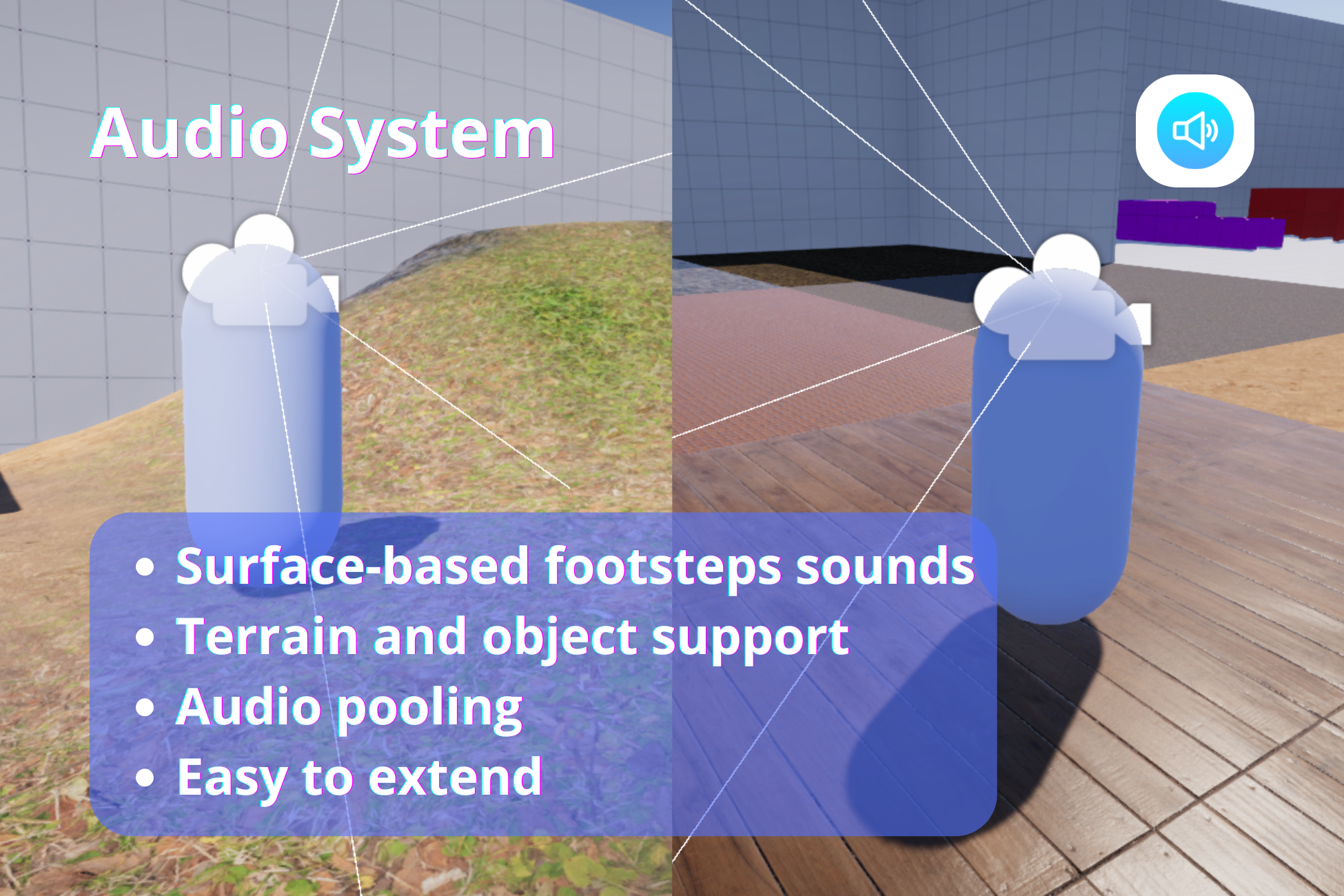
Audio System
- Surface-based footsteps and landing sounds
- Terrain and object support
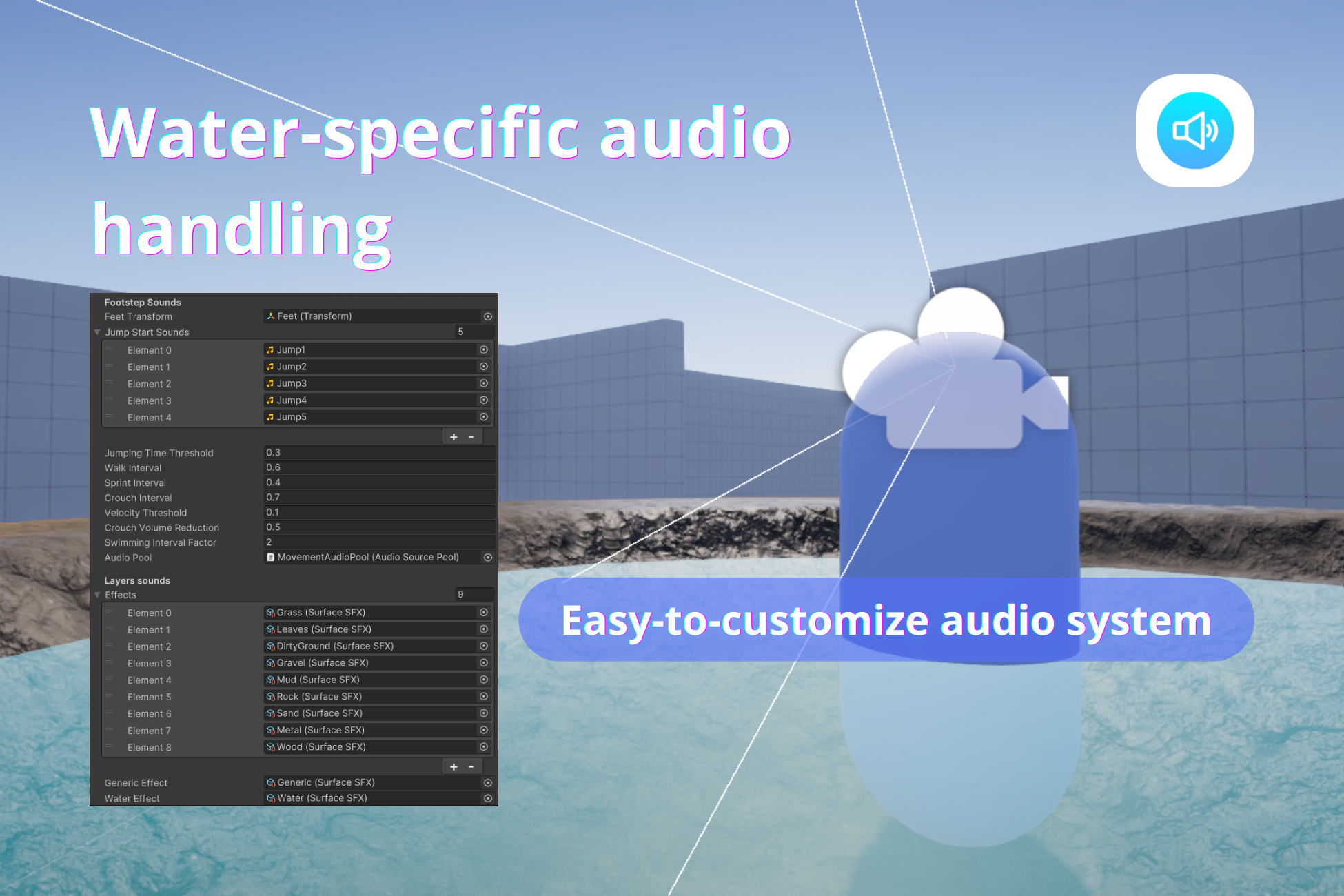
- Water surface handling
- Audio pooling (no runtime instantiation spikes)
- Easy to extend with ScriptableObjects
No hardcoded layers. No forced setup.
Architecture & Design Philosophy
MFPC is intentionally not an all-in-one solution.
- No forced Animator Controller
- No stamina system assumptions
- No UI or HUD dependencies
- No required layers or tags
- No multiplayer logic baked in
- Zero GC allocations in Update
Instead, MFPC gives you:
- Clean state logic (by exposing variables)
- Clear extension points
- Optional systems via future modules
Build exactly what you need — nothing more.
Development log
- Version 1.5 — Camera & Presentation Update52 days ago
- Version 1.3Apr 07, 2026
- Version 1.2Mar 28, 2026
- Version 1.1Mar 17, 2026
Leave a comment
Log in with itch.io to leave a comment.